Eight tools built from real client work: find any pattern in seconds, keep what you build, switch brands in one click, file work by client, import whole websites, put your name on the panel, animate anything and filter any list.
Scroll through the tools, or jump straight to one.
01Find
Visual browser. Find any pattern in seconds.
“Where did I put that hero from three projects ago?”
Search, filter and preview the whole library without leaving Bricks. Open the Bricksed panel, type two letters, and the pattern you need is right there.
pricingSearch
2 of 785 match
Open the panel Bricksed sits inside the Bricks builder, one click from your canvas.
Search or filter Search by name or tag, filter by type and category, switch between tree and grid.
Preview and paste Open a live preview or Quick View, copy the pattern and paste it onto the page.
Pick a brand kit, preview it and apply it to your ACSS settings in one click. Every pattern on the site restyles, and you can undo or reset whenever you like.
AaBook a visit
NeutralStudioMono
Pick a kit Browse the brand kits by mood, colour and type pairing.
Apply it One click writes the kit to your ACSS settings and every pattern follows.
Undo or reset Changed your mind? Undo the last kit or go back to your original settings.
Pick a ready-to-use website and the import wizard sets it up for you: pages, menus, your logo and brand kit, content and custom fields, plus the plugins it needs. New websites land every week.
01Pages and menusImported
02Logo, name and kitDone
03Content and fieldsDone
04Forms, shop, SEODone
Pick a website Browse the Sites library and preview every page first.
Follow the wizard Add your logo and name, choose the content, and map custom fields to Bricks or ACF.
Launch The wizard imports everything and installs the plugins the site needs.
“I am not writing another scroll script for one fade-up.”
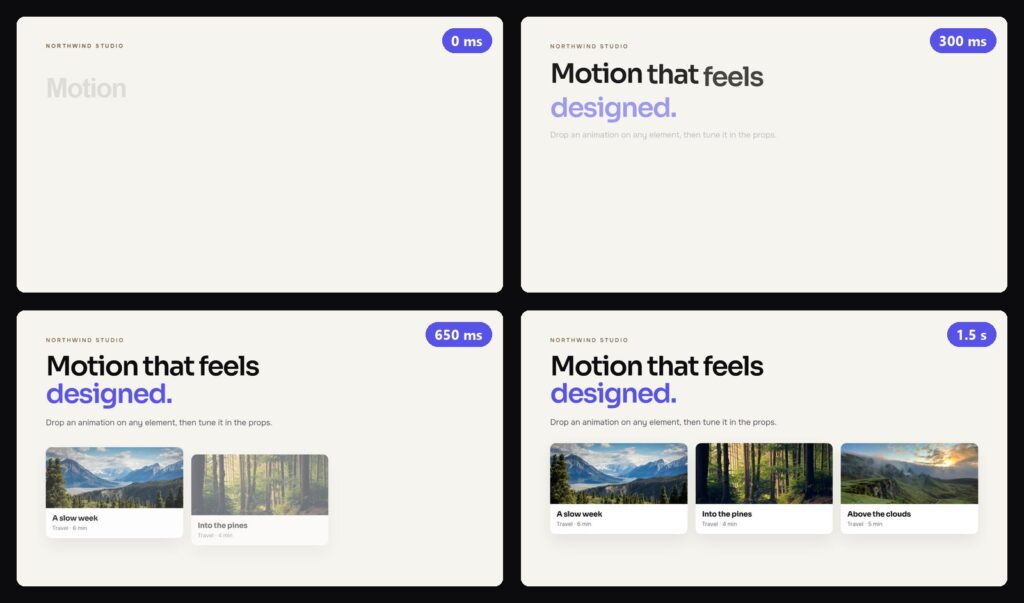
80 ready-made animations in six types. Drag one onto a heading, a card, an image or a whole section and it plays on your live site. Every option is a prop you can change.
Fade upWords riseTiltCount up
Motionthatfeelsdesigned.
Start a project
Fade up
Fade up added to the card. Plays on scroll, 900 ms.
Open Animations Pick a type in the Bricksed panel: Entrance, Text, Cursor, Hover and click, Loop or Scroll.
Drag it onto an element Drop it on a heading, a card, an image or a section. Or select the element and click the tile.
Tune the props Effect, when it plays, timing, distance, easing and phones: every option is a prop.
“Another filter plugin, another shortcode I cannot style.”
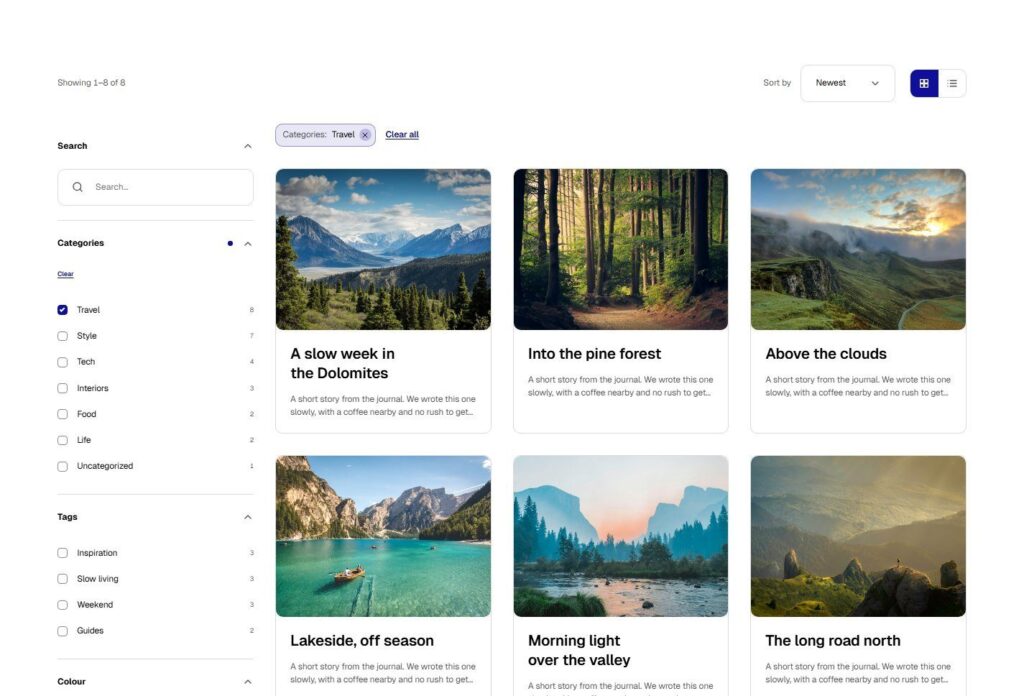
Turn any list on your site into one visitors can filter: a blog, a shop, a directory. A six-step wizard builds it with a live preview of your real content, and you paste it into Bricks as normal components.
18 posts3 postsTravel
Travel3
Style4
Food5
Life6
Pick the content Posts, pages, products or your own content type. Bricksed suggests filters from what it finds.
Choose filters, cards and a look Search, tick-boxes, pills, sliders, ratings and more, eight card styles and one-click looks, all with a live preview.
Paste it into Bricks One click copies it. Paste it on the canvas, save the page, and it is live.

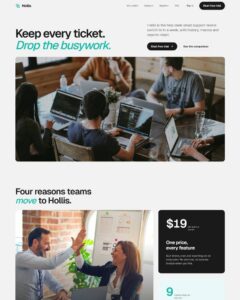 Compare Features LandingLanding page, 1 page
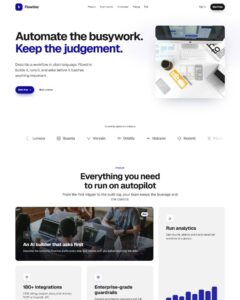 Flowline SaaS LandingLanding page, 1 page
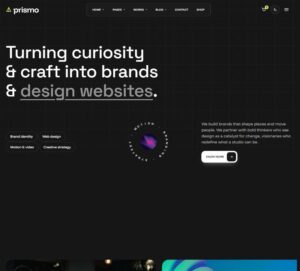 Prismo Creative AgencyCreative, 1 page
 Velour Car DetailingLanding page, 1 page