
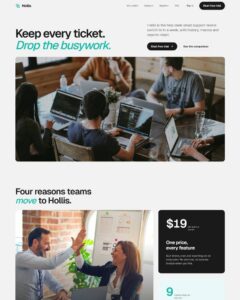
 Compare Features LandingLanding page, 1 page
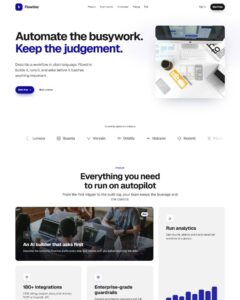 Flowline SaaS LandingLanding page, 1 page
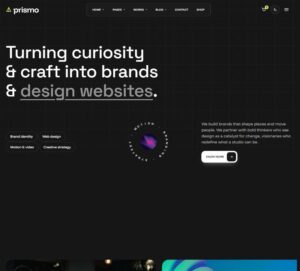 Prismo Creative AgencyCreative, 1 page
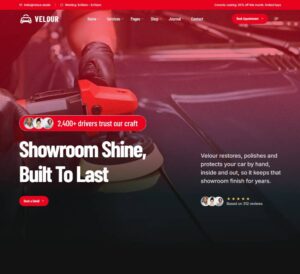 Velour Car DetailingLanding page, 1 page
Brand kits with your patterns and websites
Patterns follow the kit
Bricksed patterns never hard-code a colour, a font size or a radius. They ask your ACSS tokens, with sensible fallbacks. Apply a kit and every pattern on every page changes with it. See Patterns and your ACSS tokens.
Kits in a website import
When you import a website, the Design step lets you pick a kit for it. The kit recommended for that website is selected for you; choose another, or No brand kit to start from your current settings. Then fine-tune the tokens: only the values you edit are saved on top of the kit. See Import, steps 5 and 6.
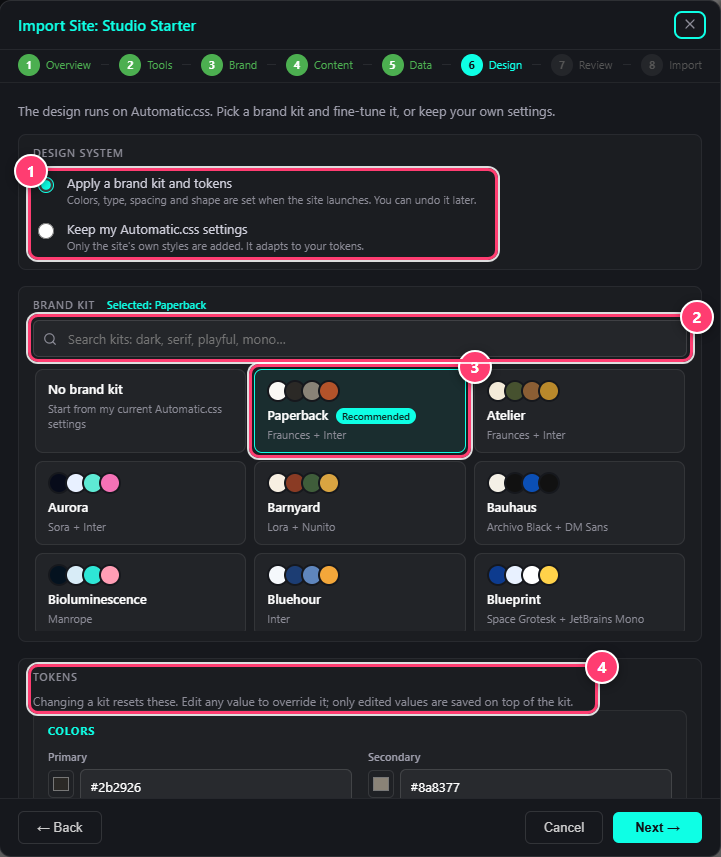
- Apply a brand kit and tokens, or keep your Automatic.css settings.
- Search the kits.
- The kit recommended for this website.
- Fine-tune the tokens.
One site, many looks
- Client pitches. Build once, apply three kits, take a screenshot of each.
- Rebrands. Apply the new kit and the site changes in one click; Undo is there if the client changes their mind.
- Your own look. Start from the closest kit and adjust it in Automatic.css.
Was this helpful?